Self-loading concrete mixers

RB1600 vs. RB2500 vs. RB4000: prepare your comparison

A useful comparison starts with the same criteria for each model. This guide helps you prepare the information to request about RB1600, RB2500 and RB4000 without assuming features from a model name or photograph.

RAY BRIDGE2 min read
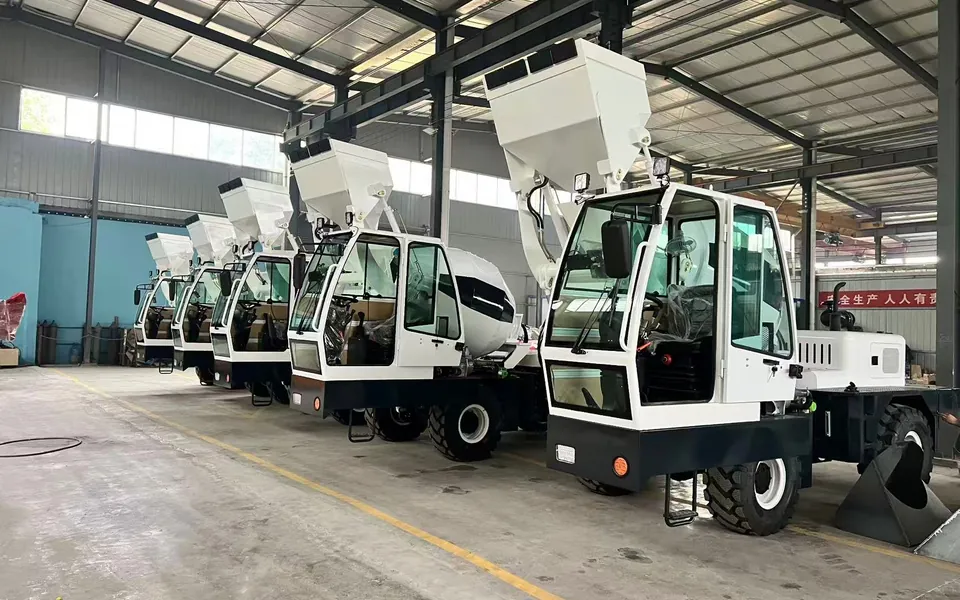
Self-loading concrete mixers lined up in a workshop
Self-loading concrete mixers / Ray Bridge
  • Define the project requirements first.
  • Use the same definition for each parameter.
  • Keep the responses and configuration for each model.

Define your starting point

Summarise the intended work and site conditions before organising the models. Include access restrictions and the information needed to plan the project.

A model name identifies the equipment in an enquiry. Do not use it as a substitute for a specification sheet, measurement or documented output figure.
Build a comparison using common criteria

Criterion Information to request for each model
Access and space Equipment dimensions and the configuration they refer to.
Capacity Full parameter name: geometric volume, mixing or discharge.
Work planning Scope and conditions of any per-batch or time-based figure.
Commercial configuration Standard equipment and the options you want to add.
Destination Documents and shipping conditions applicable to the enquiry.

Use this list to ask the same questions about RB1600, RB2500 and RB4000. This helps distinguish a documented difference from an answer that is still missing.

Keep volume measurements separate

Drum capacity, mixing capacity and the volume discharged per batch describe different concepts. Keep the original term from the documentation whenever a translation is unclear.

Before comparing a figure

Check that both figures use the same unit, definition and scope. A column labelled “capacity” may need clarification.

For a closer look at these terms, read the guide to drum capacity and concrete output in this article centre.

Turn the comparison into a specific enquiry

Gather the specification sheets and your questions for each model. Identify essential project requirements and information that needs clarification before proceeding.

  1. Specify the models you want to compare.
  2. Describe the project and destination country.
  3. Include the restrictions and questions you already know.
  4. Request a quote with the configuration you need.

This structure helps you prepare an enquiry without filling undocumented fields with assumptions.

Comparison

Can I infer capacity from the model name?

Use the model documentation to understand each figure. The name identifies the equipment, but does not replace a specification.

Which model should I include in my first enquiry?

You can mention all three if you are still preparing the comparison. Share the intended work and the questions you need answered.

Where can I get more information about a model?

Contact Ray Bridge for more information about the feature you are interested in.

Planning an equipment enquiry?

Contact

FROM RESEARCH TO ENQUIRY

Turn your questions into an enquiry.

Share the models, quantities, destination country and configuration requirements.

Discuss your requirements

SEARCH RAY BRIDGE

What are you looking for?

Search Ray Bridge equipment, articles and information.

Equipment

Request a quote